

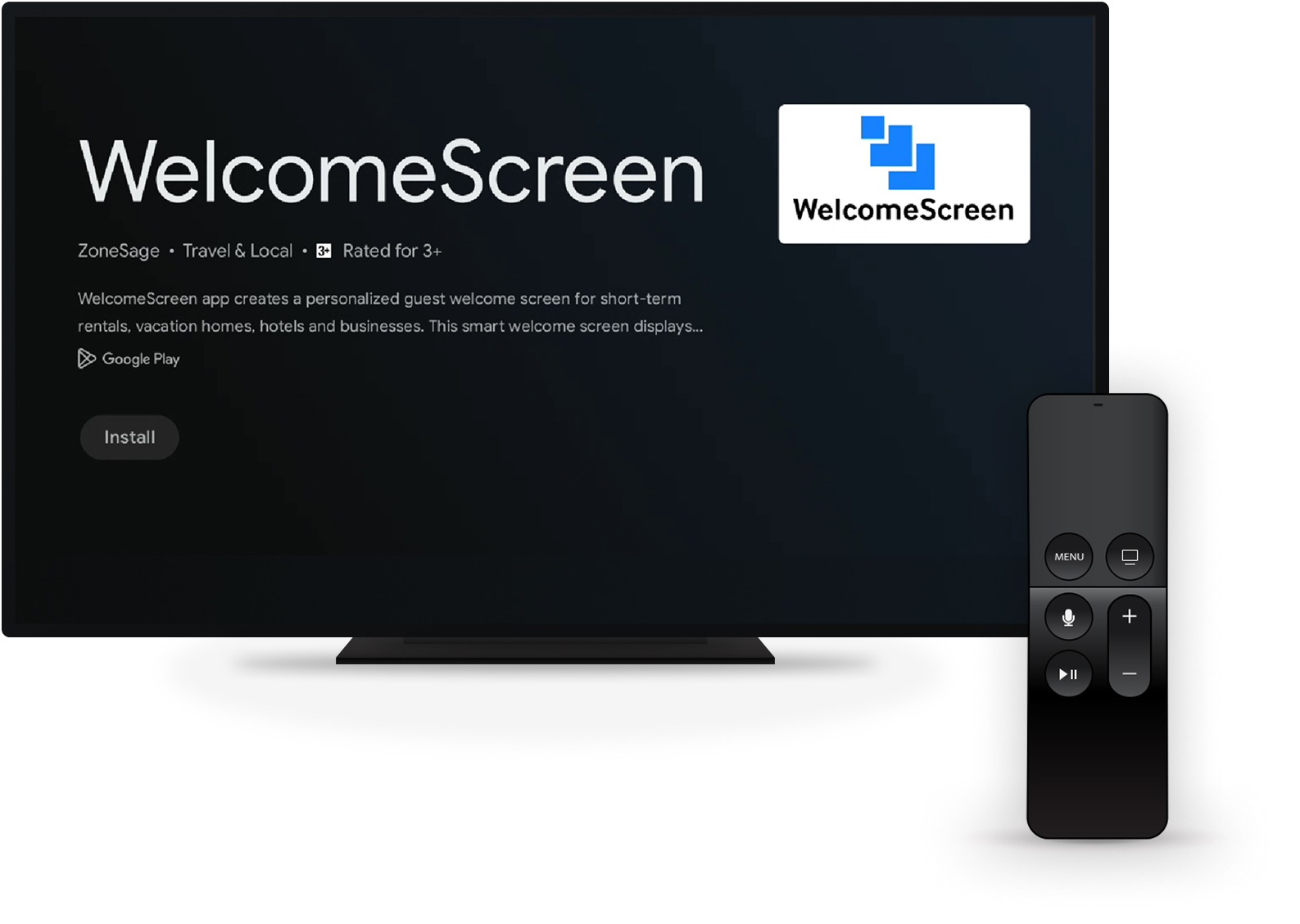
Download the official WelcomeScreen App on Samsung AppStore.
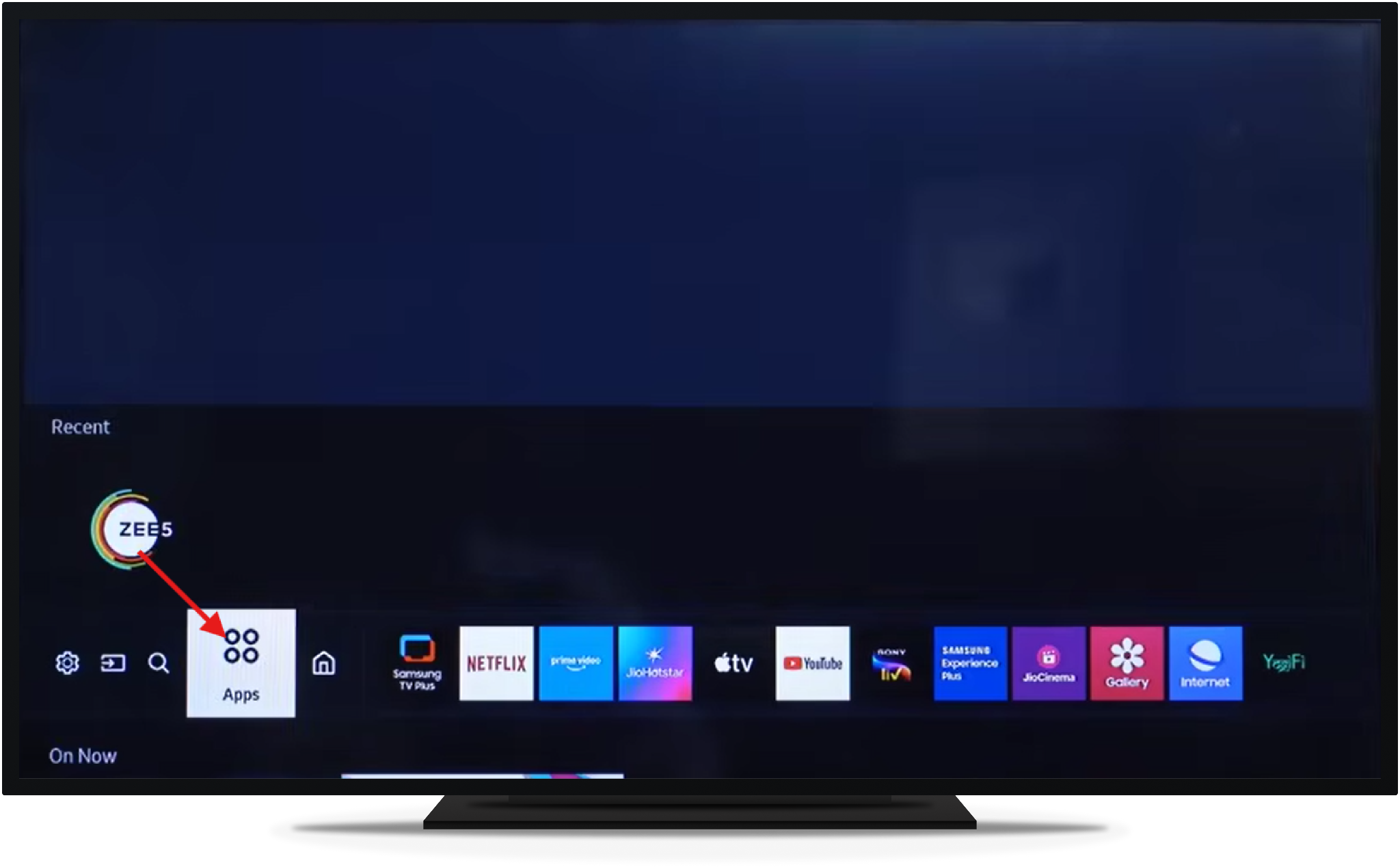
Turn on your TV > click on Apps
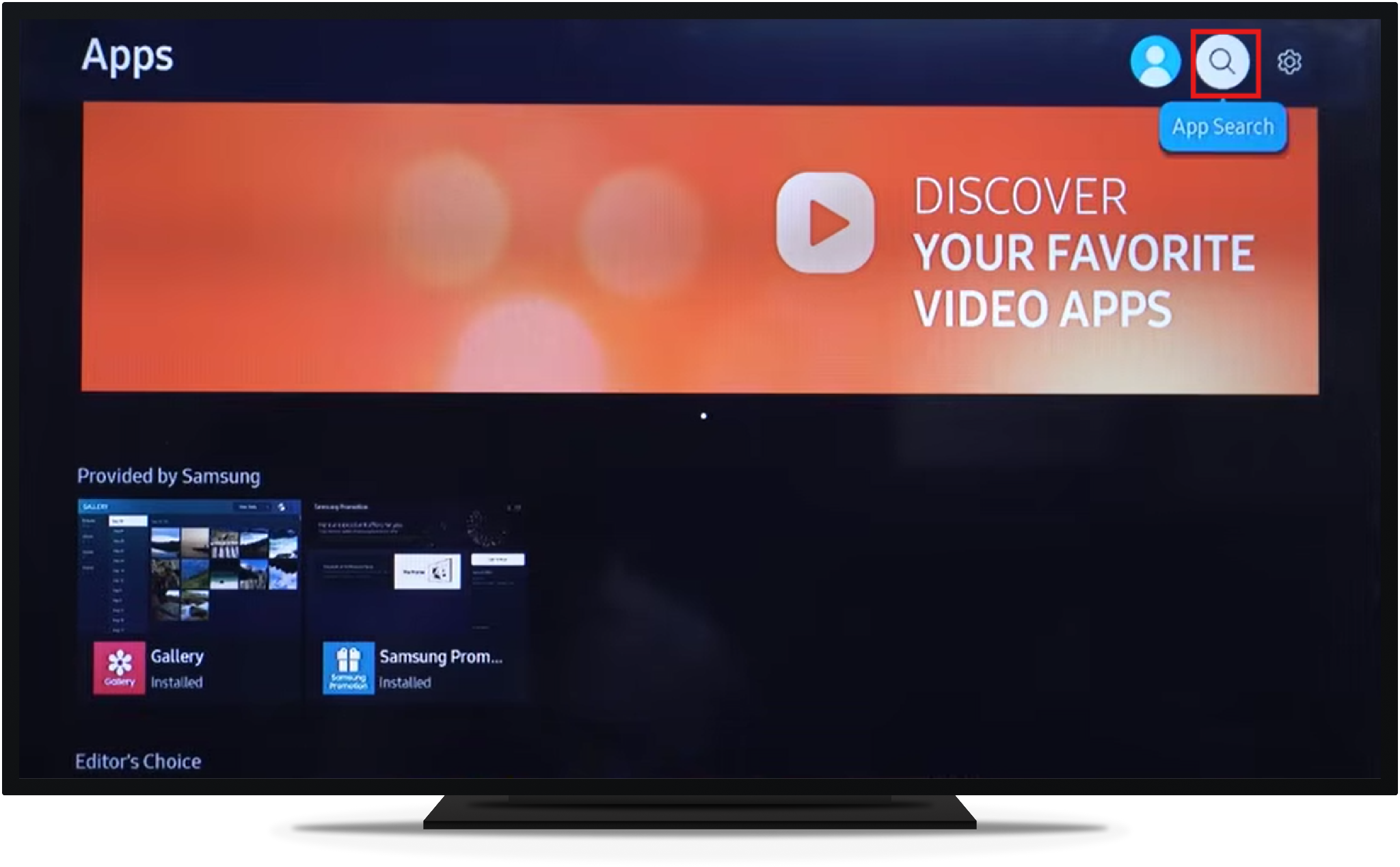
Go to the search icon in the top right corner
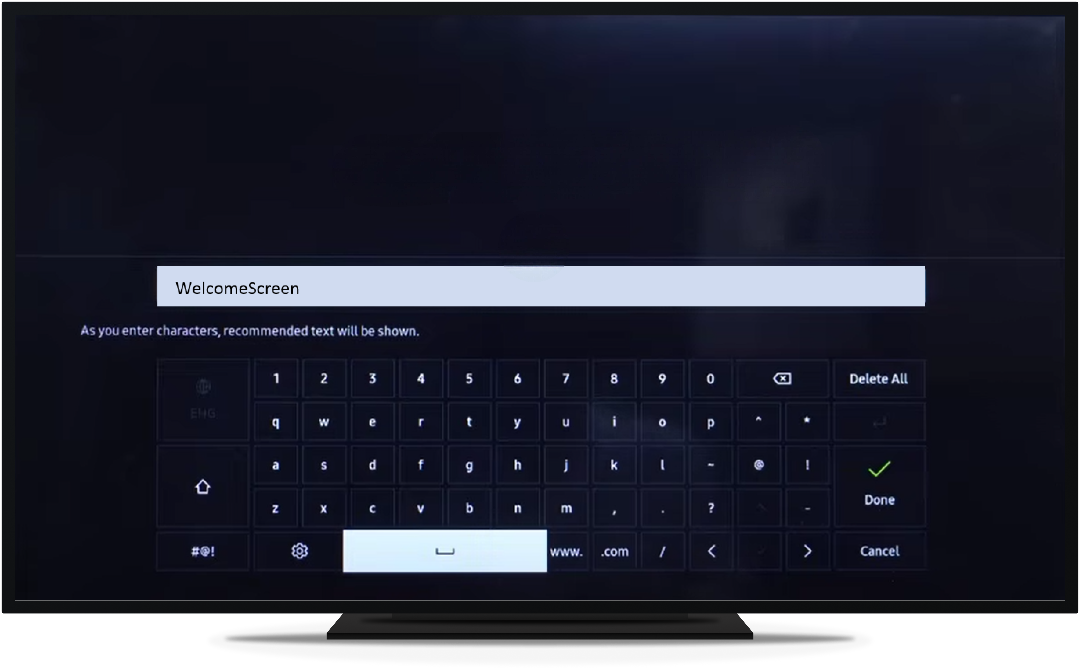
Use the On-screen keyboard, type "WelcomeScreen".
Click Install to download and add it your TV
When the app opens, it will prompt you to enter a 6-digit OTP
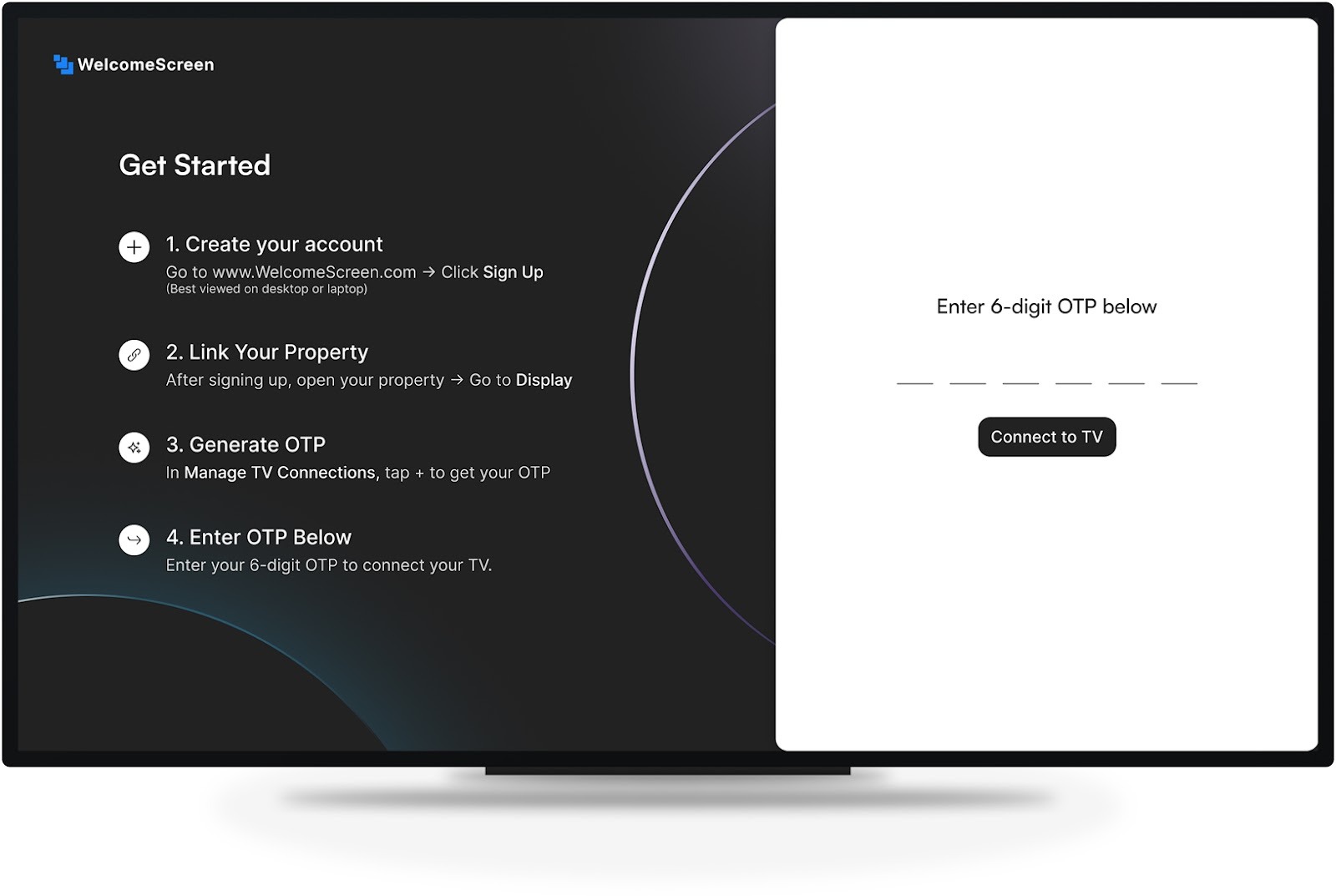
Visit welcomescreen.com and log into your account. If you don't have one, sign up and link your listings.
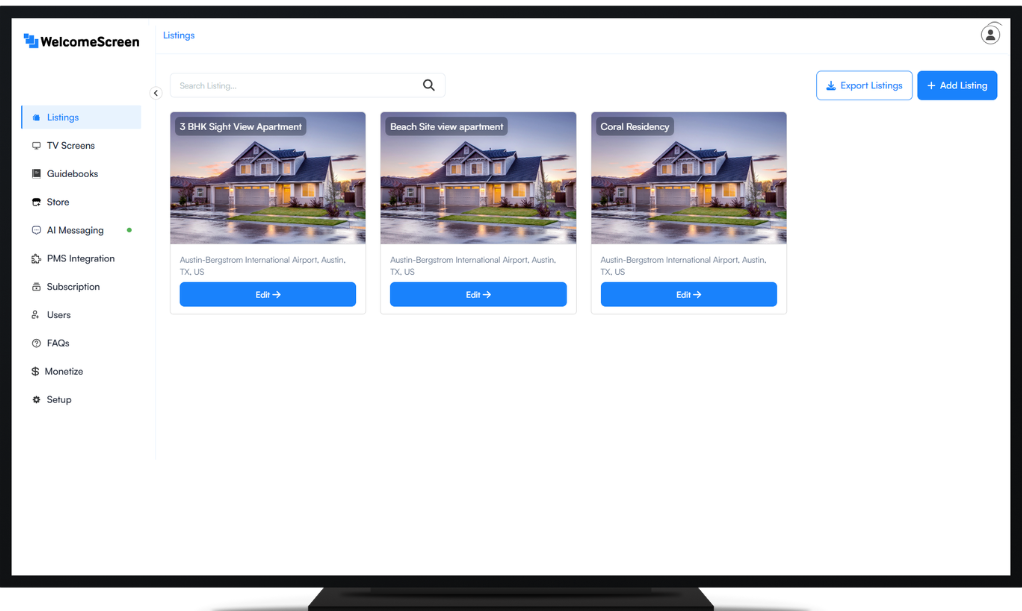
Navigate to Listings >Edit >Manage TV's > Click on "Add Tv App"> Name your Screen
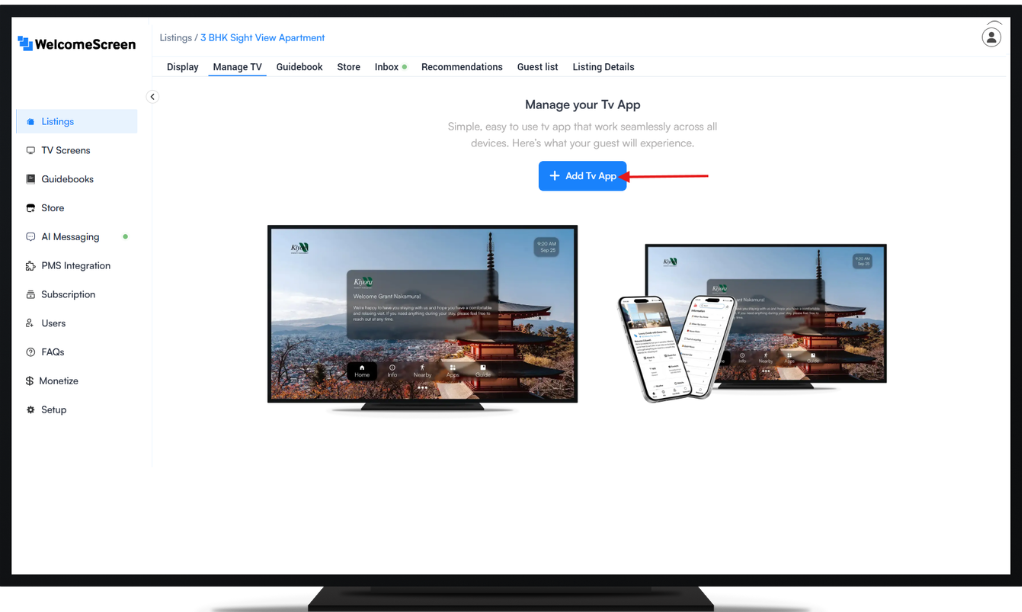
To connect additional TVs, please generate a new OTP by clicking "Add New"
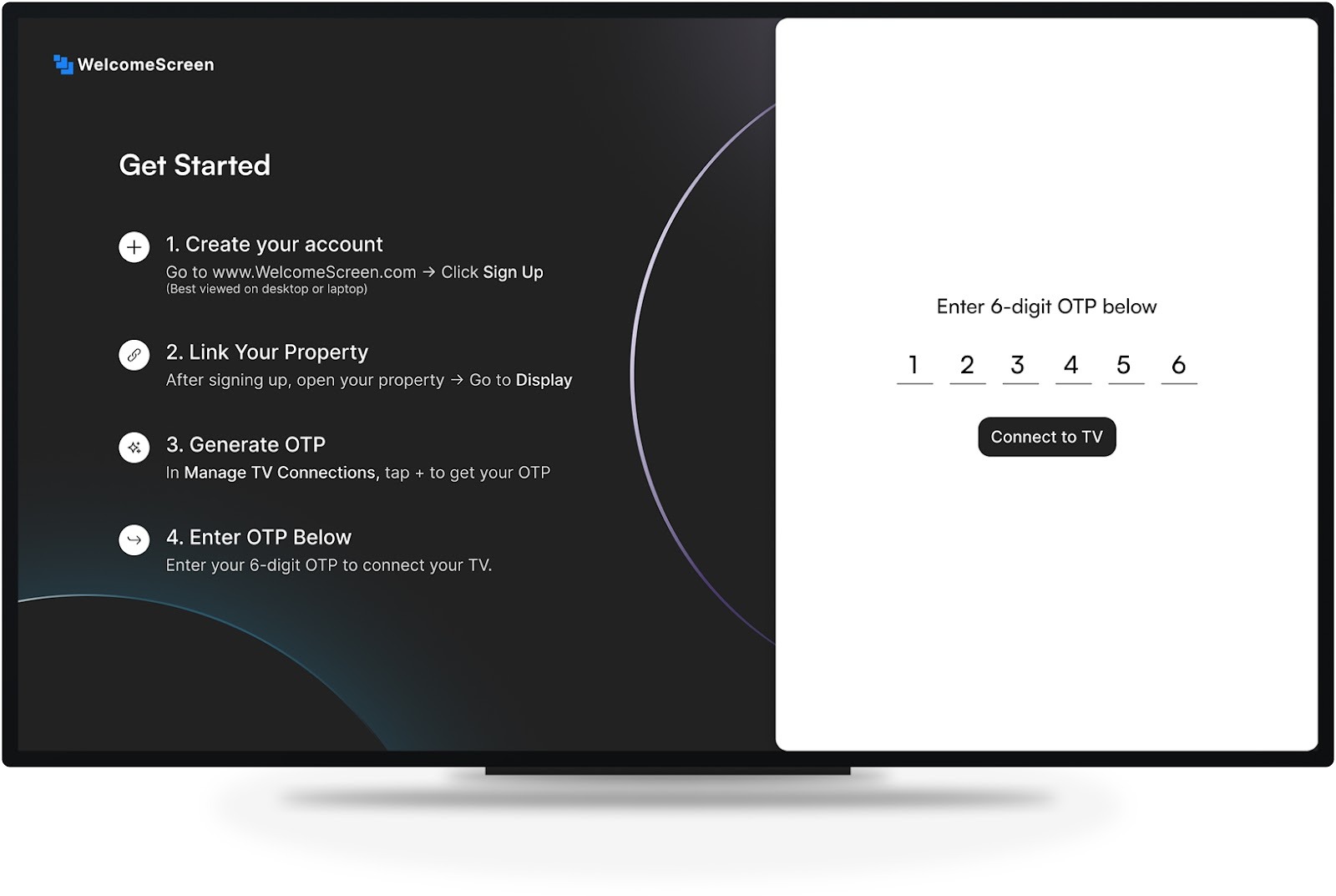
Input the 6-digit OTP on your TV to complete setup and activate your WelcomeScreen
For assistance, contact support@welcomescreen.com




.png)