
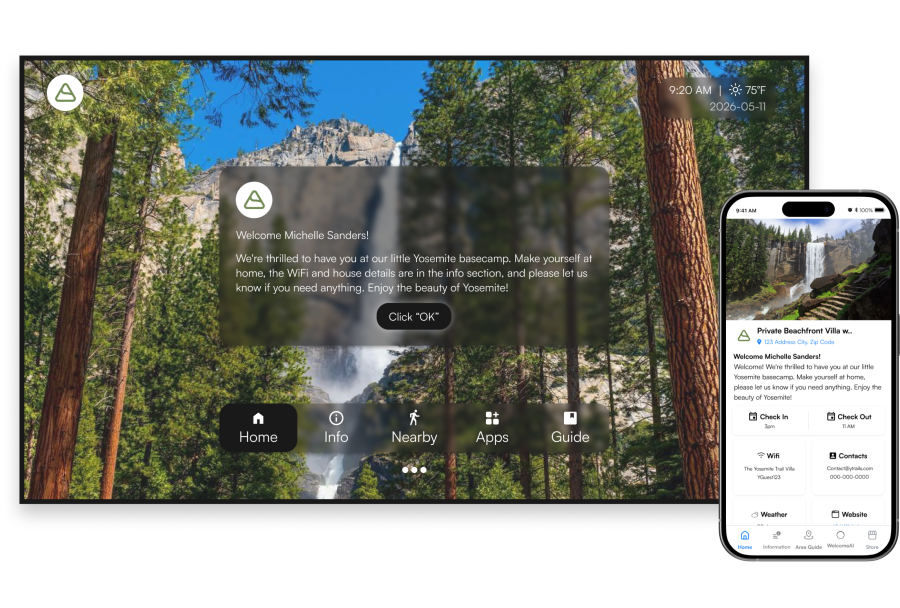
Three moments, on the screen they were going to turn on anyway.
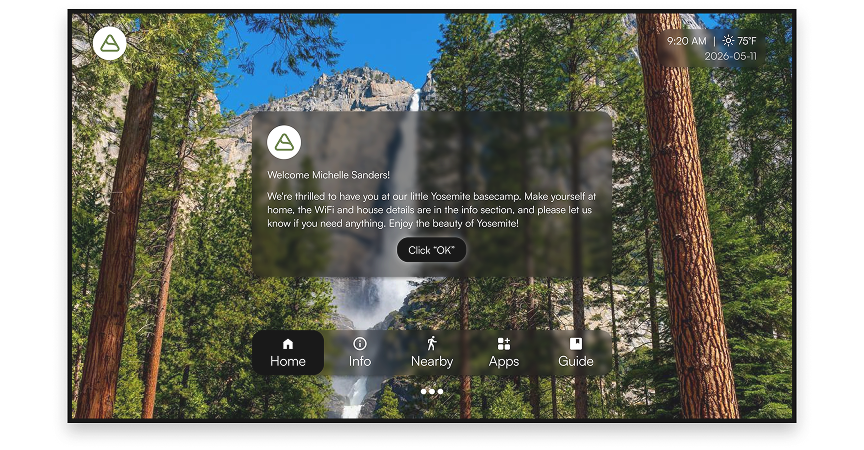
Arrival
The TV wakes to their name, the welcome message.
.png)
During the stay
House information, local recommendations and your guidebook, on the biggest screen in the room.
.png)
Check out
Check out steps, your direct booking site, your other listings.
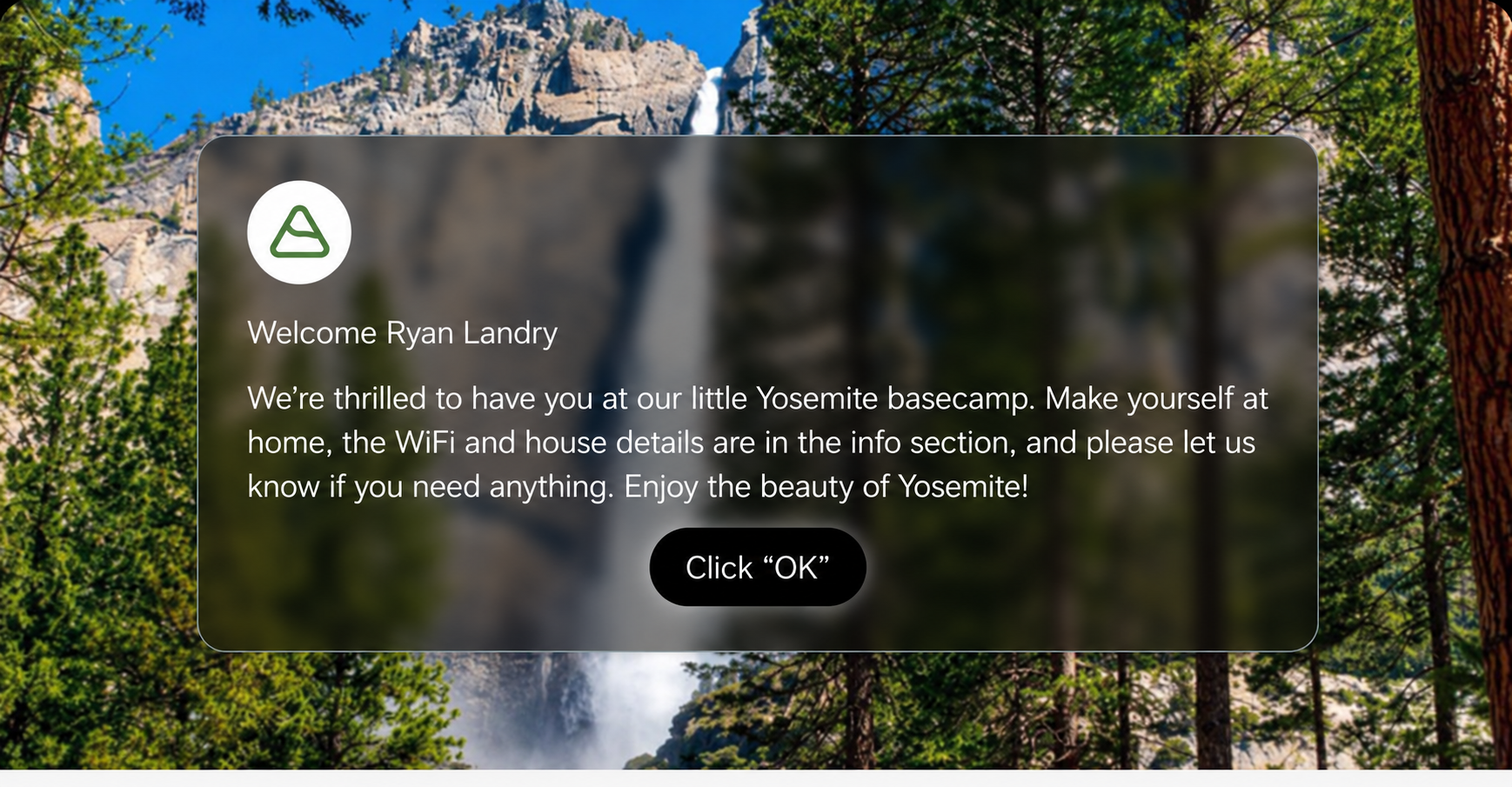
Between guests
The screen resets to your branding and picks up the next reservation on its own.
Google TV, Roku or Fire TV, built into the set or plugged into it. Any of the three and you're ready. Only Google TV wakes to the welcome screen when the guest turns the TV on.

Google TV
Highly Recommend
Available in Google Play Store with full feature set, including TV automation.

Roku
Available in the Roku Channel Store.

Fire TV
Available in the Appstore.
.png)
None of these in the room?
The onn. 4K Streaming Device with Google TV is the cheapest way to get the full feature set. Buy it at Walmart, plug it into HDMI, follow the Google TV guide.
View on Walmart →Live on the TV in minutes.
.png)
Add your property through PMS
Connect your PMS and your listings import themselves.
.png)
Install the app on the TV
Search WelcomeScreen in the store on the device, install, open. Same three taps on all three platforms.
.png)
Enter one time passcode
In the portal, select a property, go to the Manage TV tab, and click "Add New TV." A pair code will appear. Enter that code on the TV.
That's the last time anyone touches the TV. Every new reservation updates the screen on its own.
Start free trialGuest names and stay dates sync from your PMS. No work between bookings, ever.








.png)
WelcomeScreen TV
Greets guests by name
WiFi, rules, house info
Your logo and colours
.png)
Mobile guidebook
Opens in the browser
AI trip planner
Share it before they arrive
.png)
WelcomeStay AI
Answers while you sleep
Uses your existing info
Hands off when it should
Add a unit in a minute. Update all of them in one.
Set it once, push it everywhere
Branding, house rules and checkout steps live in one template. Add a property and it's already configured, all it needs is a pairing code.
PMS driven, not hand fed
Reservations, guest names and check out times flow from your PMS. Your team stops updating screens and the screens stop going stale.

Only if the unit has no streaming device. If there's a Google TV, Roku or Fire TV in the room, that's all WelcomeScreen needs. Otherwise the onn. 4K Streaming Stick with Google TV is the cheapest way in.
No. They turn the TV on. On Google TV the welcome view opens by itself; on Roku and Fire TV it's the app already open on screen.
Yes. WelcomeScreen is an app on the device, not a lock screen. Guests leave it whenever they want and their own accounts work as normal.
Add the property, install the app on the TV, enter one pairing code. Around five minutes per unit, less once your PMS is connected.
The screen resets to your property branding and picks up the next reservation from your PMS, so the next arrival is greeted by their own name.
The app keeps the last synced details on the device, so the welcome screen still shows. When the connection returns it catches up on its own. Nobody has to re-pair the unit.
Part of the same family as STR Market.


.png)