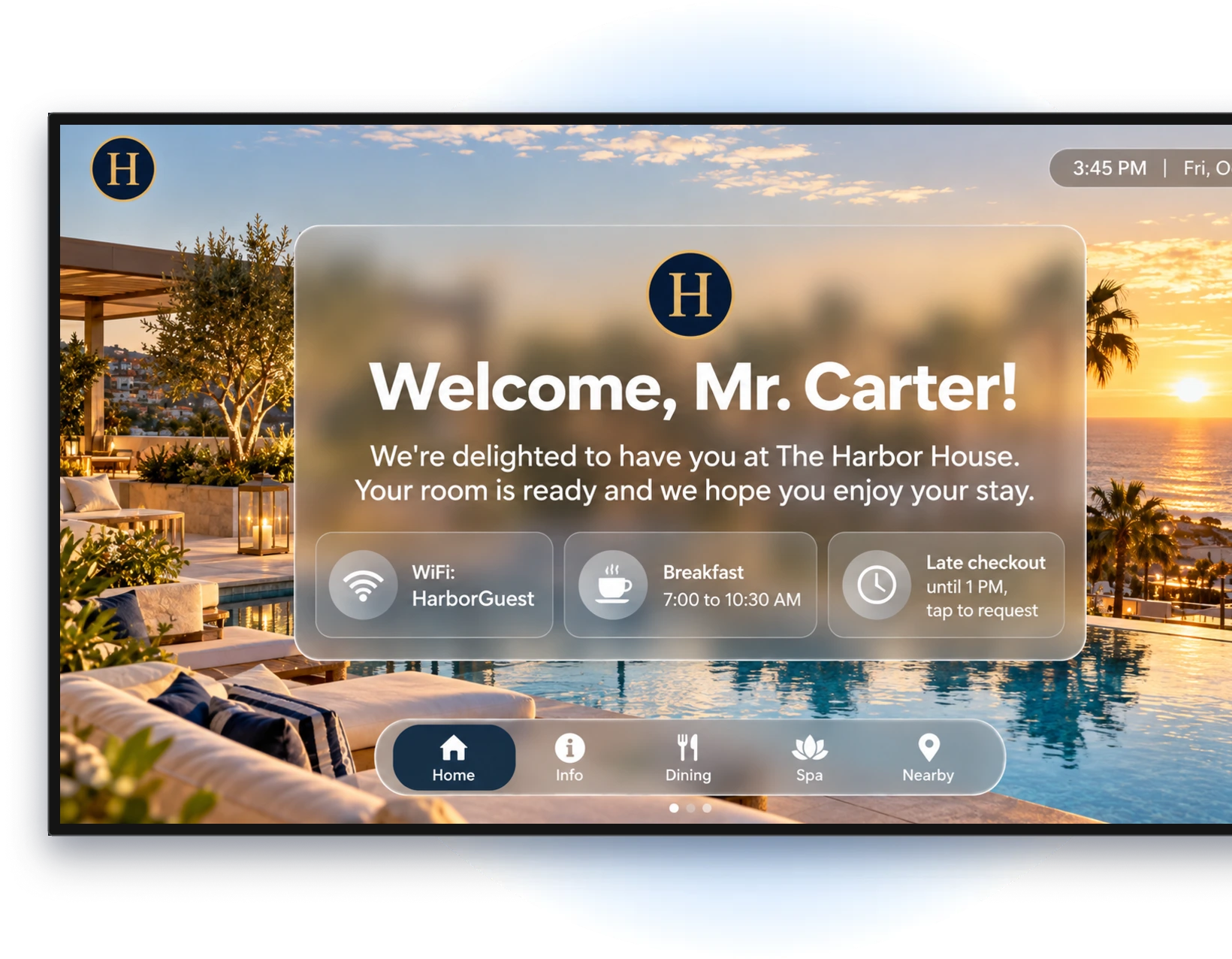
Getting help with your WelcomeScreen account is now easier with WelcomeScreen AI Chat! Whether you have questions about setting up your TV app, managing listings, configuring your Guidebook, or using other features, you can now get answers directly through our AI-powered chat assistant.
Instead of searching through multiple help articles or navigating different sections, simply type your question and let WelcomeScreen AI Chat guide you with relevant answers and solutions.
Let's explore how it works and how you can make the most of it.
Have a question about WelcomeScreen? Simply open the AI Chat window and type your query into the message box.
Our AI assistant is designed to understand your questions and provide helpful answers, step-by-step guidance, and solutions to common queries.
You can ask about:
Simply type what you want to know, and the AI assistant will help you find the information you need.
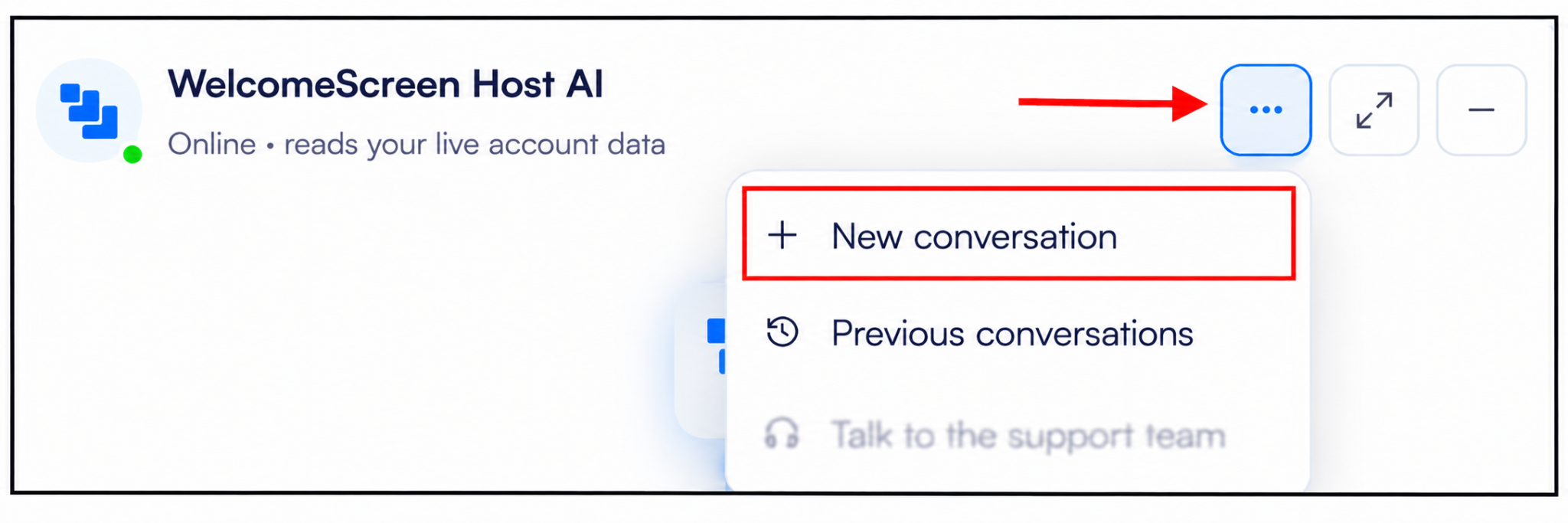
Have a different question or want to discuss an entirely new topic? You can start a completely new conversation whenever you need to.
This helps you keep separate queries organized instead of mixing different topics into one conversation. Simply select the new conversation option and start typing your next question.
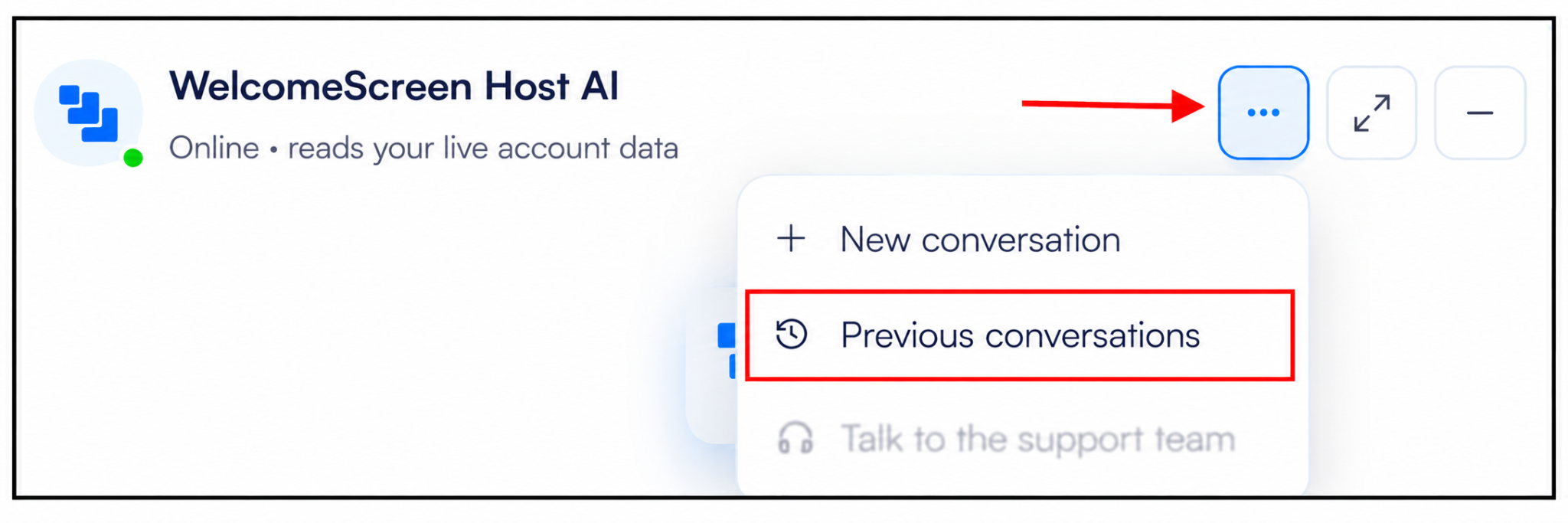
Need to check an answer you received earlier? You can easily access your previous conversations through WelcomeScreen AI Chat.
Your chat history allows you to revisit earlier questions and responses, review the solutions provided, and refer back to useful information whenever required.
If WelcomeScreen AI Chat cannot resolve your query, it will automatically escalate the issue to our support team. Our team will personally contact you within 24 hours to understand the problem and help you find a solution, ensuring you receive the assistance you need.
With WelcomeScreen AI Chat, finding answers and getting assistance is more convenient than ever.
You can ask questions in your own words, receive instant guidance, start new conversations, revisit your previous chats, and escalate unresolved issues directly to our support team.
Whether you're a new user exploring WelcomeScreen or an existing property manager looking for help with a particular feature, AI Chat makes it easier to find the information you need.
Have a question? Just ask WelcomeScreen AI Chat!
For additional assistance or questions, contact the WelcomeScreen support team at: support@welcomescreen.com
Part of the same family as STR Market.