

If you’ve heard about the WelcomeScreen TV App and want to enhance your listing TVs for a better guest experience, this simple guide will help you get started. Follow these easy steps to sign up, set up your account, and create a personalized, professional welcome experience for your guests. This guide ensures a smooth onboarding process and helps your listing stand out in the hospitality industry.
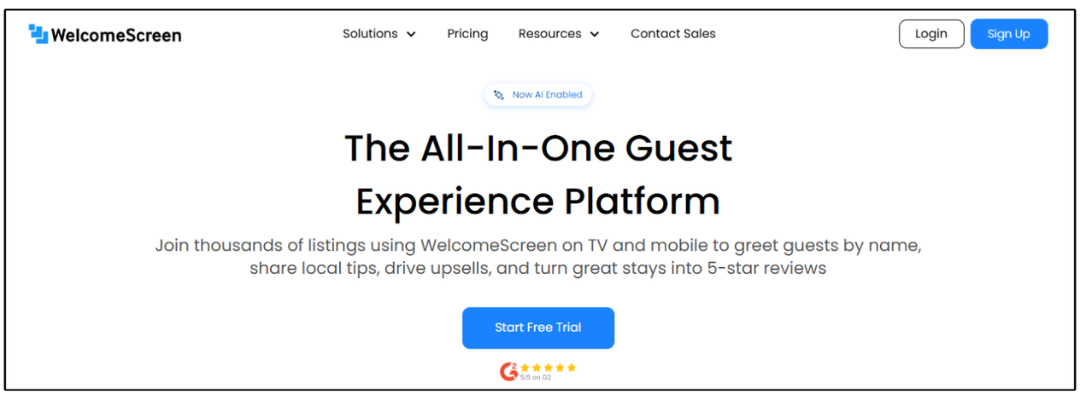
Visit the WelcomeScreen website and click the “Start Free Trial/ Sign up” button to create your account. Simply follow the on-screen instructions, and you’ll be ready to start using the platform in minutes. By signing up, you gain access to innovative hospitality software designed to improve guest engagement.
After signing up, select the subscription plan that best fits your hotel, vacation rental, or property management business to deliver a seamless, professional, and welcoming guest experience.
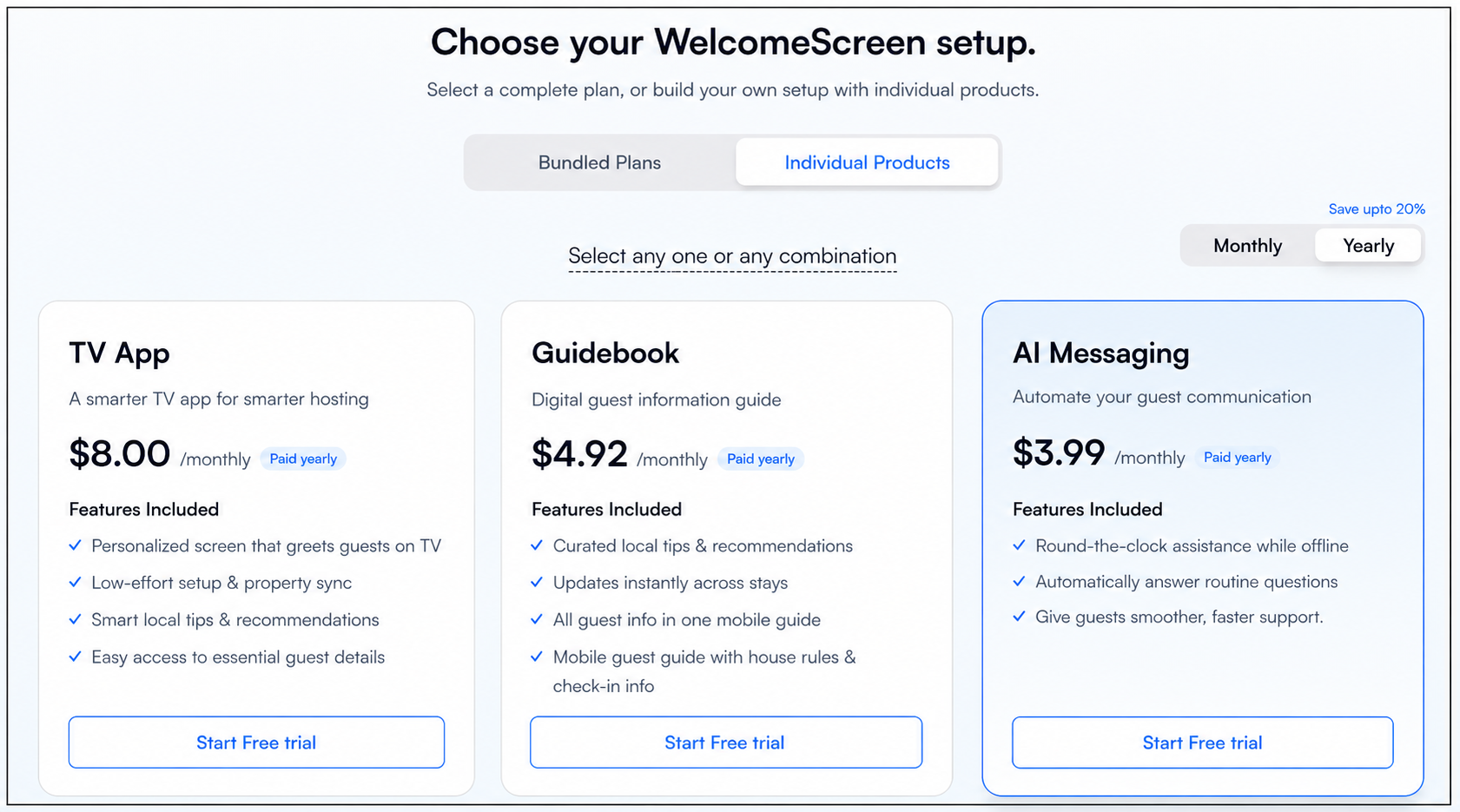
Choose the plan that fits your needs, whether it's a bundled plan or an individual plan.
→ Pro Plus Plan - Ultimate Guest Experience
→ Pro Plan - Complete Guest Experience
→ TV App - In Property TV Experience
→ Guidebook - Mobile Guest Experience
→ AI Messaging - Guest Communication Hub
Plan Details:
Selecting Pro Plus places you in the Pro Plus Plan, combining the TV App, Digital Guidebook, and AI Messaging for a complete guest experience.
Selecting the Pro Plan activates both the TV App and Digital Guidebook, providing a complete digital guest management solution that seamlessly combines in-room and mobile experiences.
Selecting only the TV App places you in the Standard Plan, providing a personalized in-room welcome and essential guest information.
Selecting only the Digital Guidebook places you in the Guidebook Plan, giving guests easy mobile access to house details and local tips.
Selecting only AI Messaging places you in the AI Messaging Plan, enabling automated guest communication with intelligent, AI-powered responses.
Once you’ve made your selection, click Start Free Trial to get started.

Next, you’ll be redirected to a secure payment page to complete your billing setup. WelcomeScreen supports multiple payment options, including credit cards, debit cards, Apple Pay, and other supported methods, ensuring a smooth and flexible checkout experience. After entering your details, click “Start Trial” to proceed and activate your free trial.
Once your setup is complete, you can begin customizing your platform to match your listing’s needs.
With WelcomeScreen, you can:
Whether you manage a single listing or multiple listings, WelcomeScreen helps you deliver a consistent, professional, and memorable guest experience.
Need help installing the app? Check out our step-by-step installation guide for easy setup.
For additional assistance or questions, contact the WelcomeScreen support team at: support@welcomescreen.com
Start creating memorable guest experiences today with the WelcomeScreen TV App!


.png)