

Once your WelcomeScreen configuration is complete, the final step is to connect it to your TV so your guests can seamlessly view the experience you’ve created.
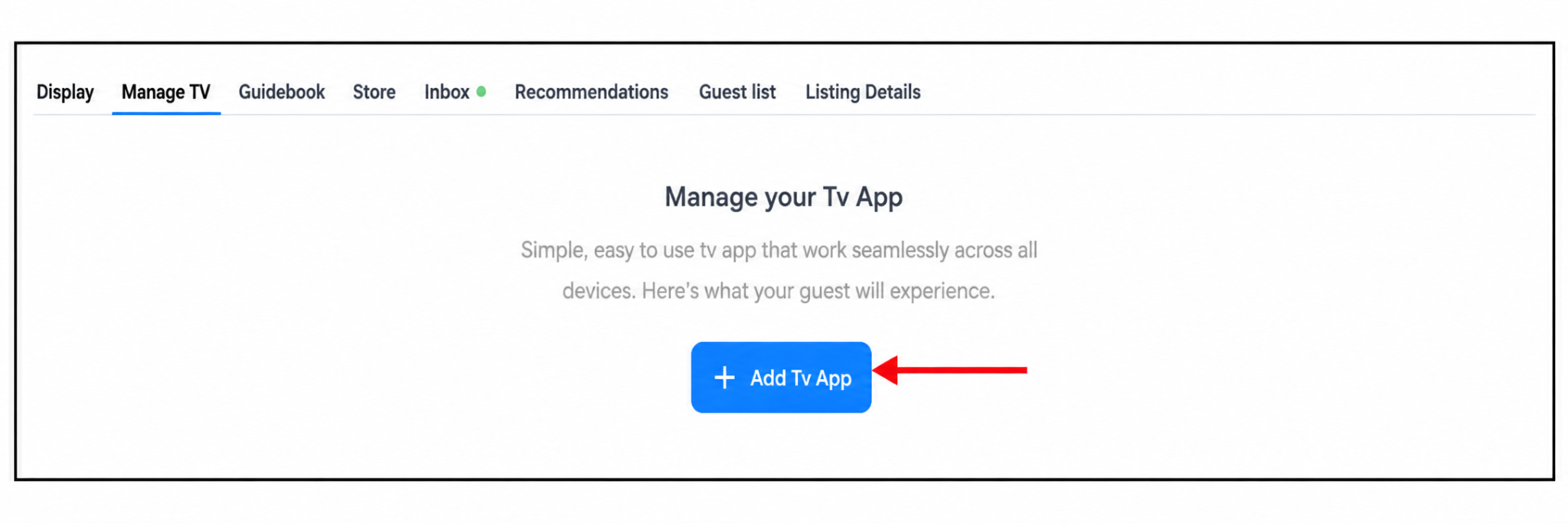
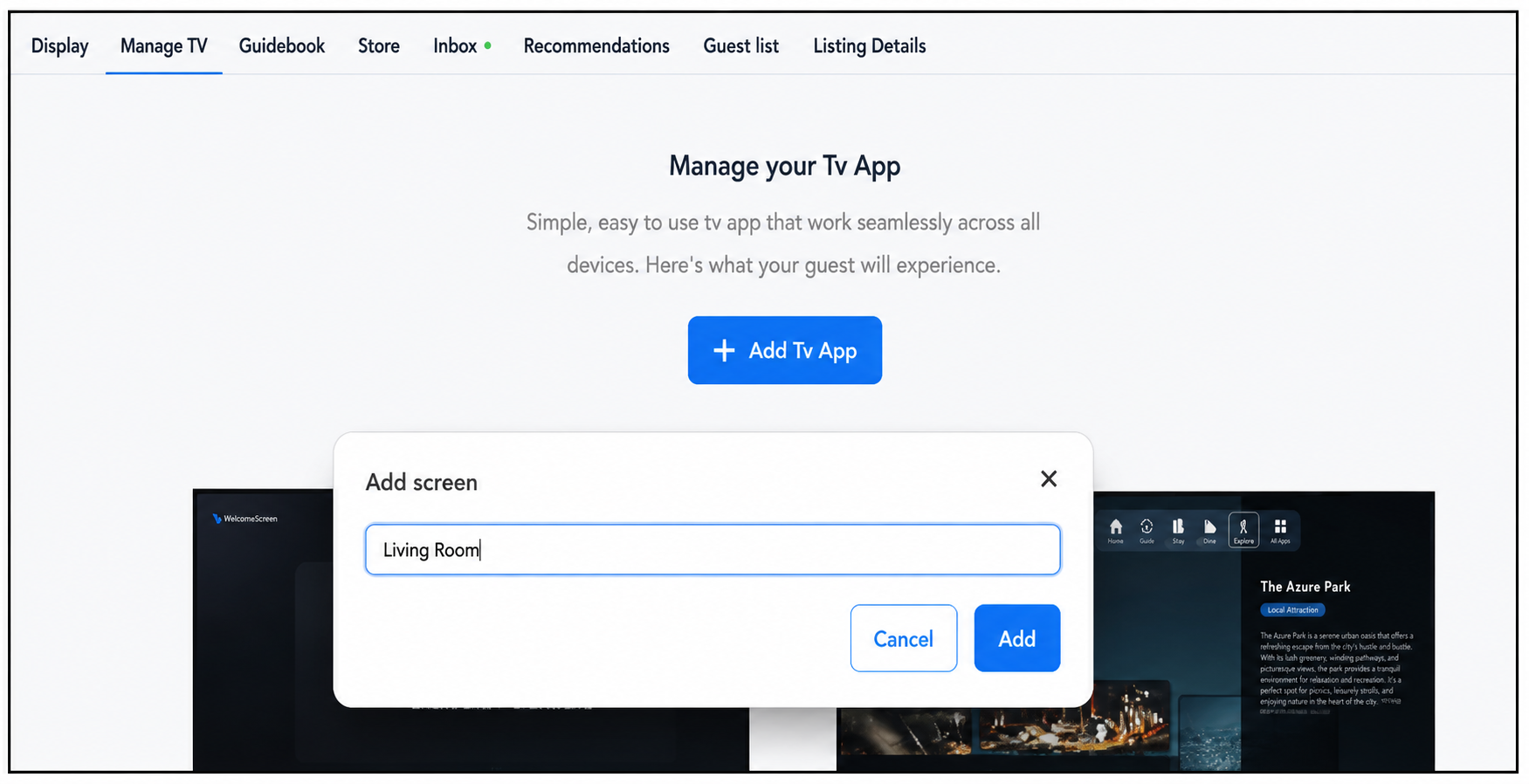
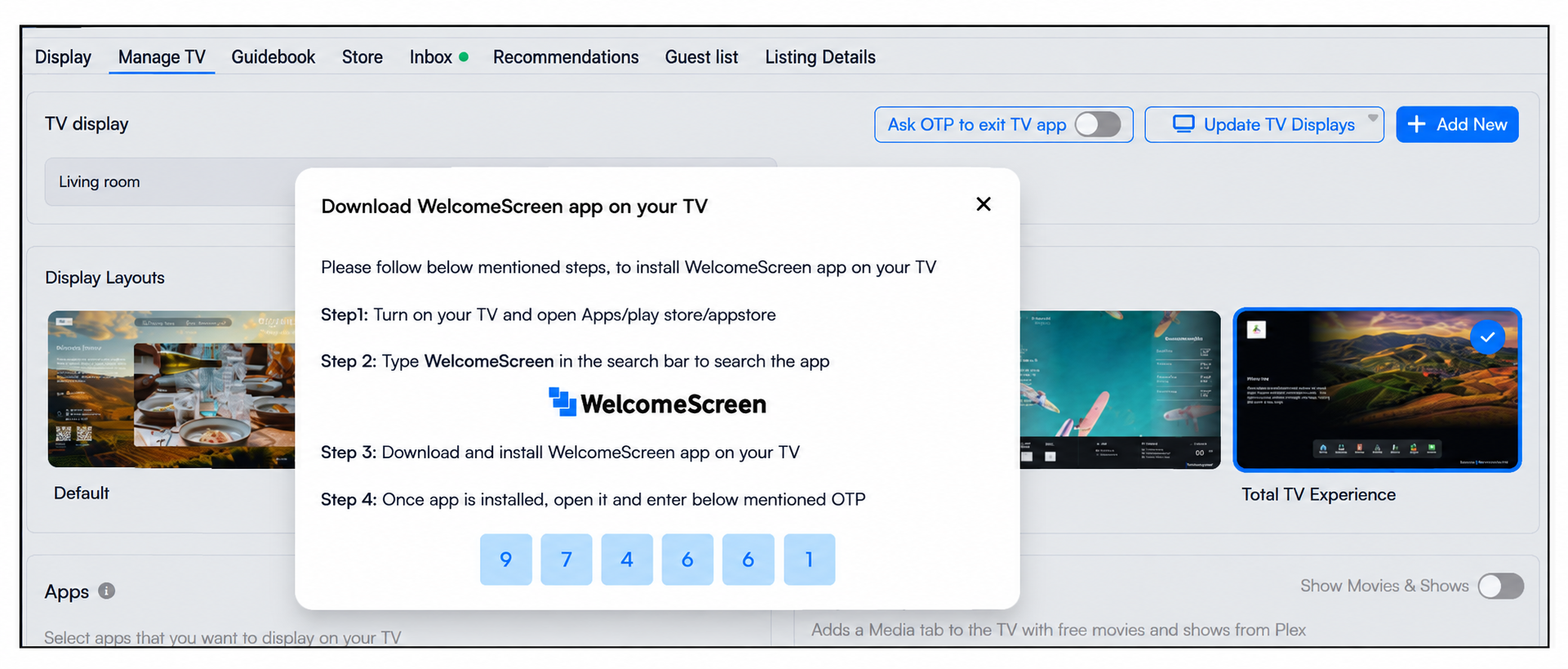
To establish this connection, navigate to the Manage TV tab in your dashboard and click on “+ Add TV App” and name your screen. This will generate a unique One-Time Password (OTP), which you’ll need to enter on your TV to link it with your WelcomeScreen account.
Once connected, all your configured content such as guidebooks, recommendations, and custom displays will appear smoothly on the TV, creating a personalized and engaging in-room experience for your guests.
If you have multiple TVs to set up, simply click “+ Add New” each time to generate a new OTP for every device, ensuring each screen is properly connected and ready to deliver the same high-quality experience.
For additional assistance or questions, contact the WelcomeScreen support team at: support@welcomescreen.com


.png)